
Subway Switch
Flip the junctions, keep the color lines straight, and stop the district from collapsing into gridlo...
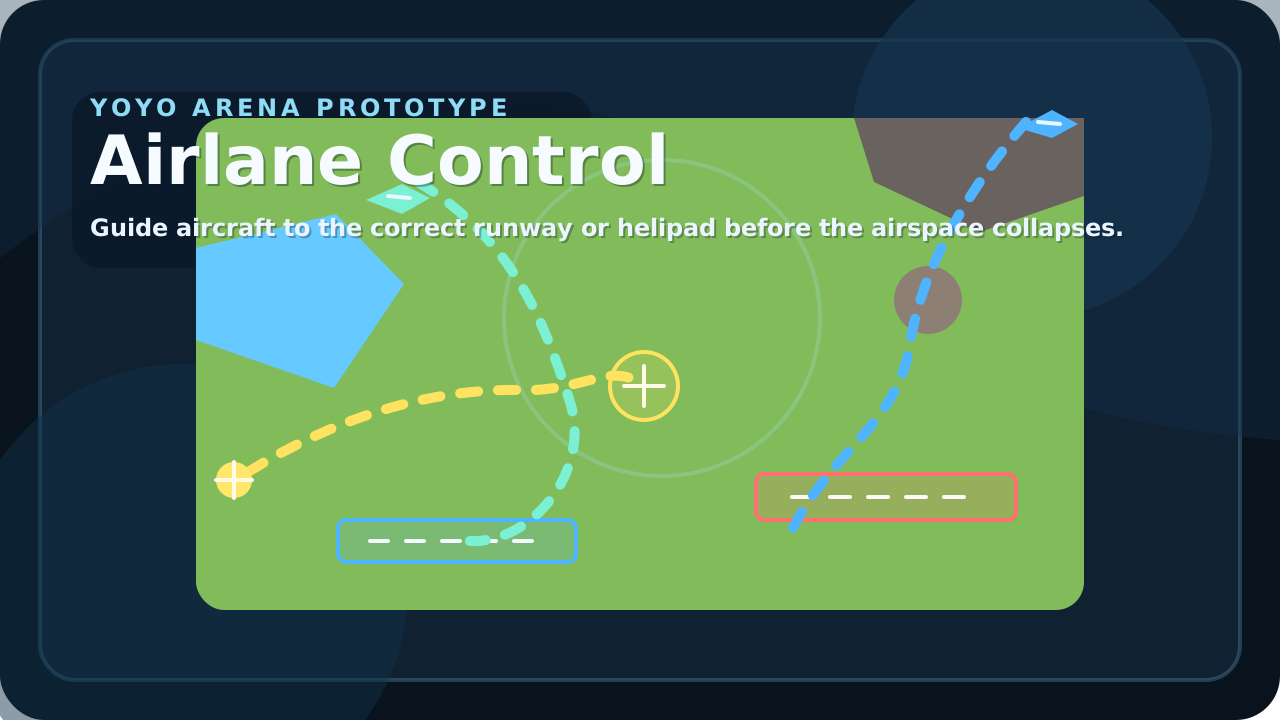
Guide aircraft through a crowded sky by drawing clean approach paths and matching every craft to the correct destination. Airlane Control is a portrait-first browser air traffic game built for touch screens but equally readable on desktop: blue small planes belong on blue runways, red jets need the heavy red strip, and yellow helicopters must settle on the helipad. Every aircraft enters from the edge of the map with its own speed, turn rate, and failure timer. Tap a craft, drag out a new route, and watch it follow your waypoints in real time. Some routes should be direct. Others need a wider arc around water, towers, cliffs, or drifting weather. The pressure comes from overlap: one aircraft is simple, two are manageable, and a busy sky forces you to sequence traffic instead of just reacting. Runs score by successful landings, reward clean streaks, store the best result locally, and unlock new maps as your total number of landed aircraft climbs.
Airlane Control was built to add a different kind of pressure to the YoyoArena catalog. Many games on the portal ask for one fast reaction at a time. Air traffic control asks for layered judgment instead: which aircraft matters most, which path is safe now but dangerous ten seconds from now, and which landing has to wait even if the destination is technically open. That makes the game feel strategic without becoming text-heavy or menu-driven, which was important after earlier prototypes that leaned too hard on instructions instead of motion.
The core design rule was readability. Every important relationship in the game had to be visible from the playfield itself. Aircraft colors match destination colors. Obstacles are large and geometric. Weather zones are visible circles instead of invisible modifiers. Route lines glow over the map. That visual clarity matters because the player is already doing sequencing work under time pressure. If the runway state, destination matching, or hazard layout had to be remembered from a paragraph of UI, the game would feel busy instead of sharp.
The three-map structure was added once the first airport was stable. Grassland teaches the routing loop with open space and one clear hazard cluster. Coastal adds tighter lanes and storm pressure. Desert pushes drift and long approach planning. Unlocking those maps through total successful landings turned the game into a better long-term fit for the portal: it stays easy to start, but it still gives returning players a reason to come back with stronger traffic habits and a higher tolerance for cluttered skies.
Flip the junctions, keep the color lines straight, and stop the district from collapsing into gridlo...
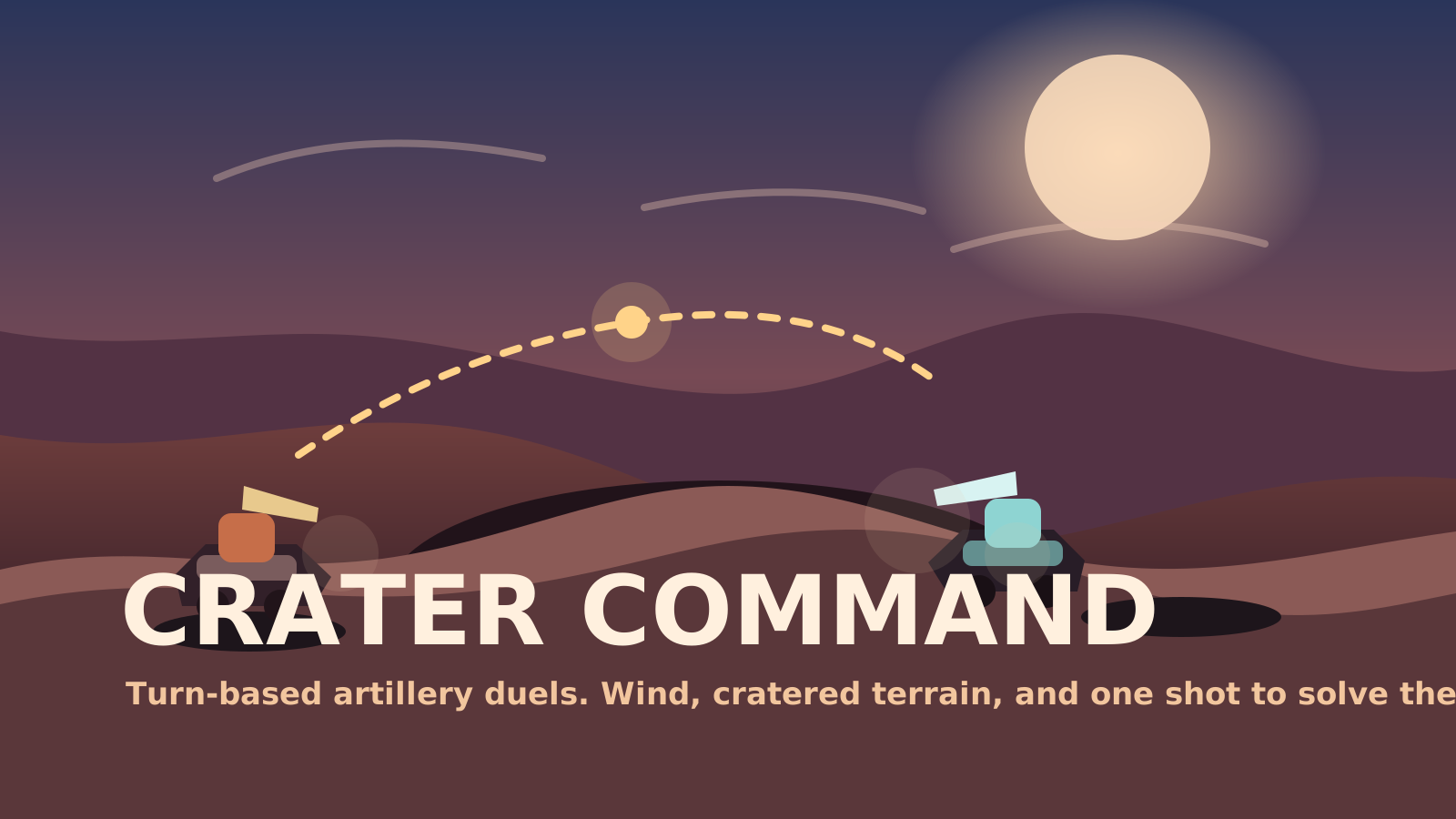
Trade turn-based artillery fire across a destructible crater field and solve each shot before the en...
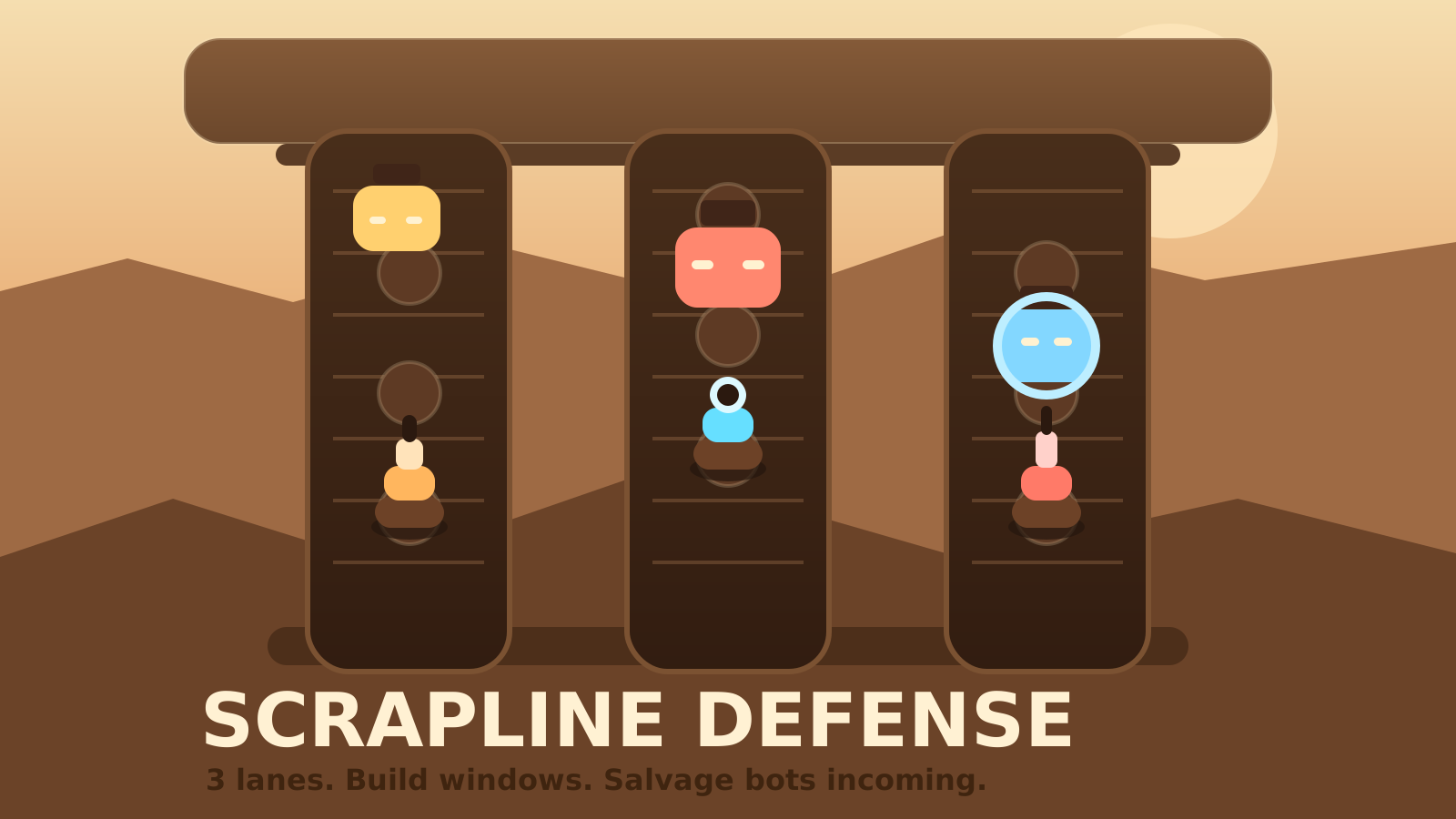
Hold the reactor line with scrap-built turrets and split-second spending decisions. Scrapline Defens...