
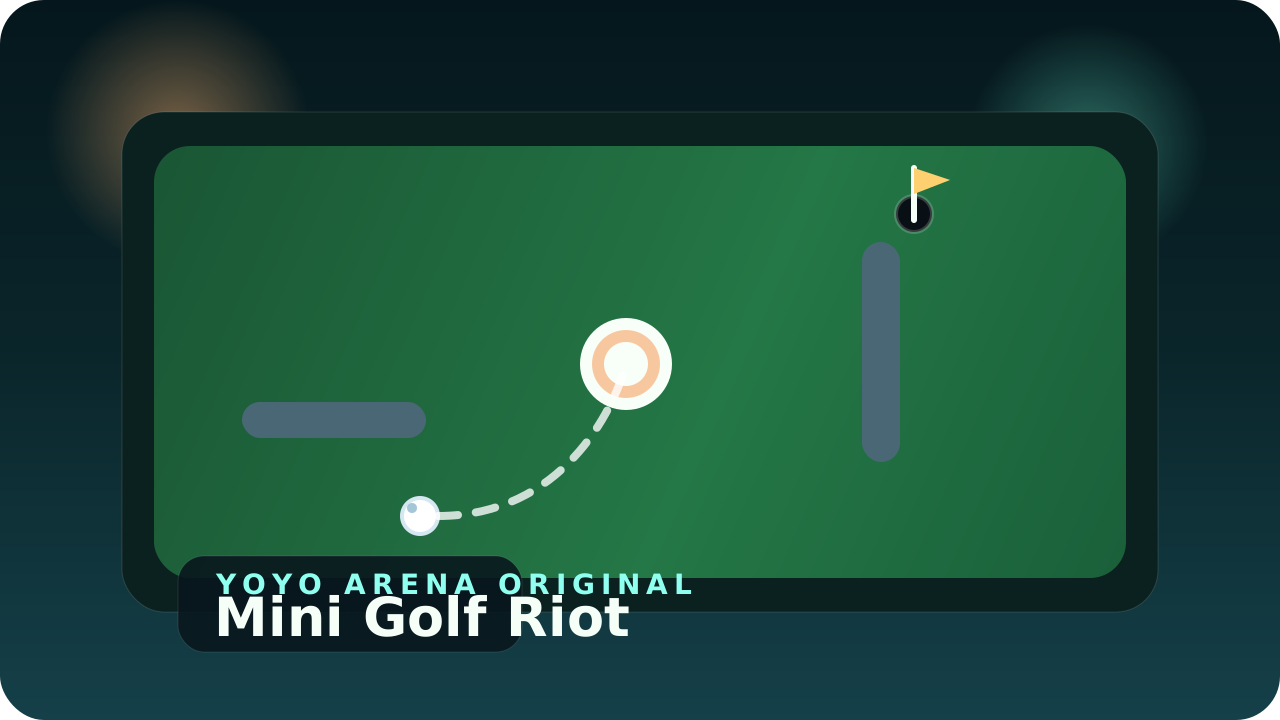
Mini Golf Riot
Drag, release, and chase a clean line through six compact mini golf holes packed with arcade...
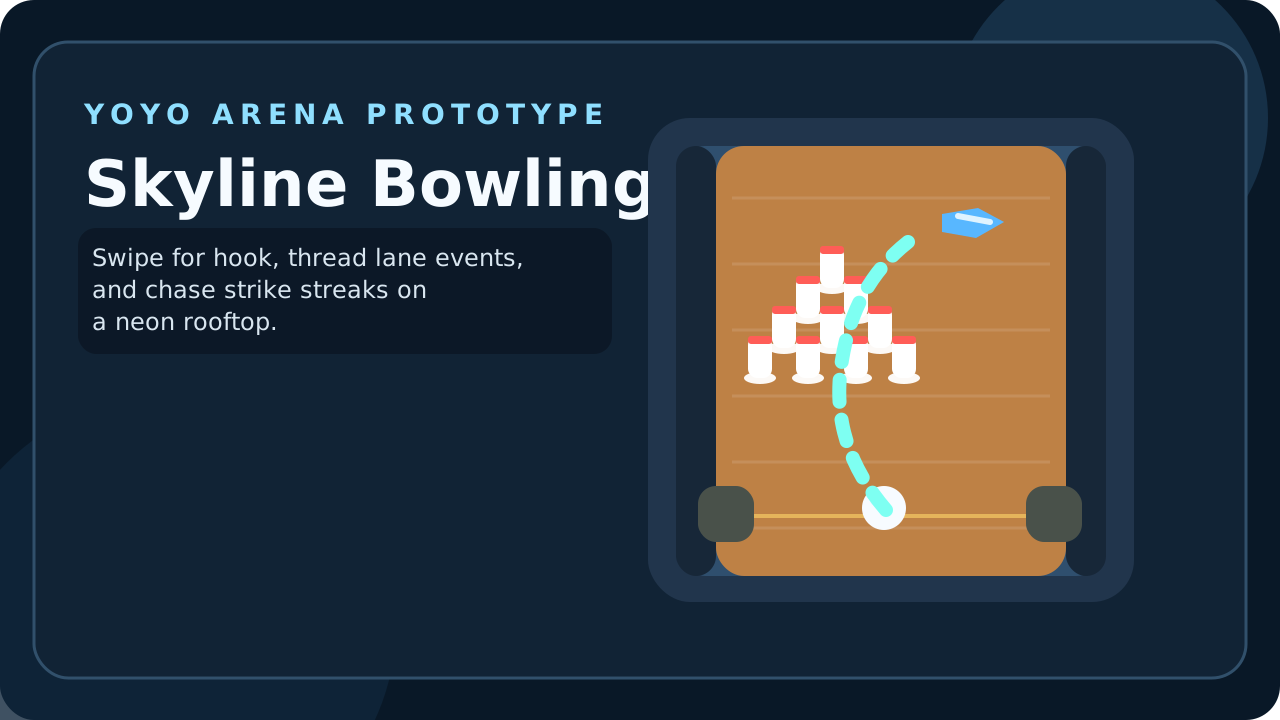
Slide the ball into position, pull upward to throw, and shape your hook through a neon rooftop lane packed with arcade pressure. Skyline Bowling compresses ten-pin into a portrait-first browser game that feels like a full night of bowling, not a one-shot toy. The loop stays readable on a phone: line up, release at the right angle, watch the curve build, and hope the pocket carry leaves nothing standing. Rotating lane events keep each frame feeling different — oil strips flatten hook in the mid lane, boost strips add late speed, soft rails save one brush with the gutter, bonus gates pay out if you thread them cleanly, and split-light frames reward precise clears. Classic mode runs a full ten-frame game with proper strikes, spares, and tenth-frame bonus logic. Quick Frame condenses the same controls into one fast test for spare practice or score snapshots. Best score, strike streaks, total games, and the local top 10 all save in your browser.
Skyline Bowling was built to fill a clean gap in the arcade line-up: a ball-and-lane game with more structure than Rollout and more direct shot feedback than Mini Golf Riot. The design target was not simulation bowling. It was tactile, readable, score-chasing bowling that still respects the logic of frames, spare pressure, and strike momentum. That led to a top-down arcade presentation instead of a realism-first camera. The lane had to read instantly on a phone, the swipe had to feel understandable on the first throw, and the player had to know why a ball curved, held, or burned too early without needing a tutorial wall.
The rotating lane events were added only after the base scoring loop worked. Early prototypes had a clean lane every frame, which made the first few games satisfying but also predictable. The event system solved that without smothering the sport under gimmicks. Each modifier changes one decision, not the entire ruleset: an oil strip flattens the mid-lane, a boost strip sharpens carry, a soft rail forgives one brush, and the bonus gate rewards a daring line. That keeps the frames distinct while preserving the core bowling rhythm of first-ball pressure and second-ball correction.
The local progression layer stays intentionally light. Best score, total games, strike streaks, and a top-10 leaderboard are enough to make repeated runs meaningful without dragging the game into a heavy metagame. That balance matters for a browser arcade title. It should feel complete in one sitting, but it should also leave you wanting one more cleaner game the moment a frame unravels.
Drag, release, and chase a clean line through six compact mini golf holes packed with arcade...

Stack blocks, keep the width, build a tower. Perfect Stack is a one-tap tower-building game...
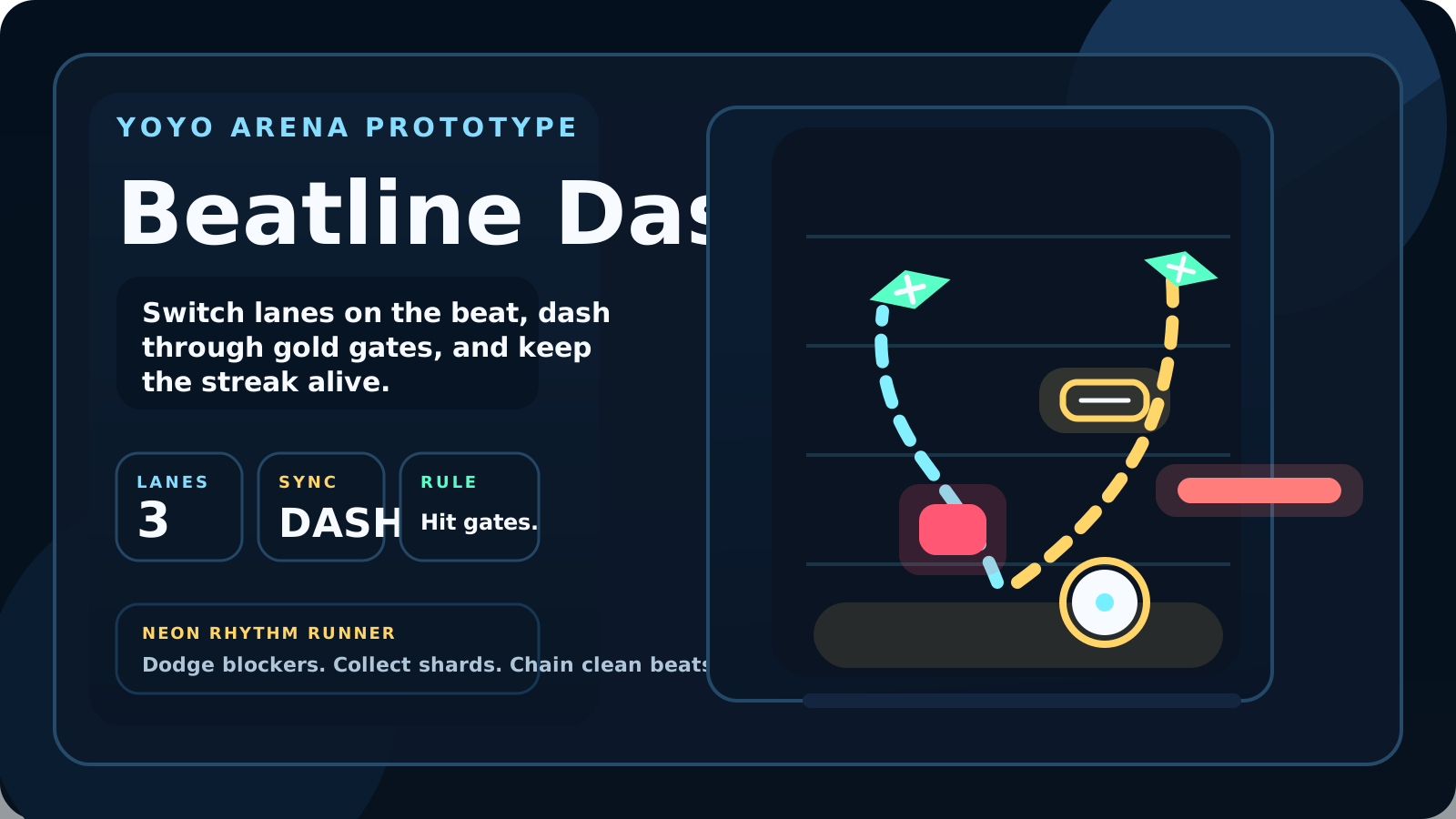
Switch lanes on the beat, burst through gold gates with a perfectly timed dash, and keep the...